There’s a particular kind of headache that comes from staring at a spreadsheet with 40,000 rows, knowing there’s a story buried in there somewhere, but having no idea how to pull it out. If you’ve felt that headache — or if you’ve watched a colleague turn that same mess into a slick, interactive dashboard in about ten minutes — you already understand why Power BI has become one of the most in-demand skills in business today.
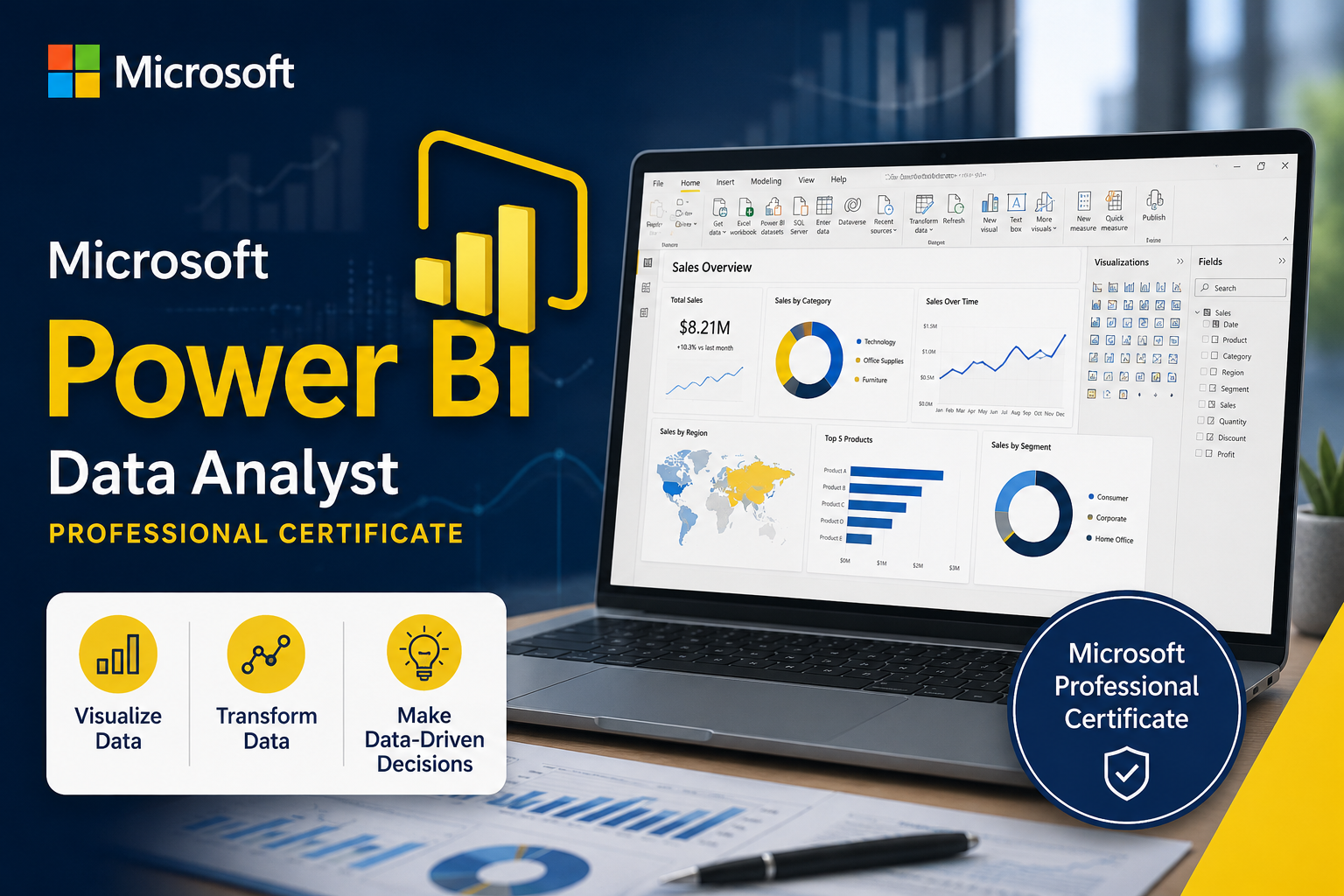
Microsoft’s Power BI Data Analyst Professional Certificate on Coursera is built to take you from “I’ve never opened Power BI” to “I can build the kind of dashboard executives actually want to look at.” Here’s an honest breakdown of what it covers, who it’s for, and whether it’s worth your time.

What This Certificate Actually Is
This is an 8-course series taught directly by Microsoft, designed around a simple premise: business intelligence analysts are in high demand, and Power BI is the tool most companies have standardized on. In fact, the program cites that Power BI is used by the overwhelming majority of Fortune 500 companies for data-driven decision-making — which says a lot about why this specific skill shows up in so many job postings right now.
The certificate is structured as a full pipeline through the data analyst workflow:
- Preparing Data for Analysis with Microsoft Excel — cleaning and organizing data before it ever touches Power BI
- Harnessing the Power of Data with Power BI — understanding the analyst’s toolkit and workflow
- Extract, Transform and Load Data in Power BI — connecting to data sources and fixing data quality issues
- Data Modeling in Power BI — building star schemas and writing DAX calculations
- Data Analysis and Visualization with Power BI — building accessible, insightful reports
- Creative Designing in Power BI — advanced visuals, maps, QR codes, and dashboard design
- Deploy and Maintain Power BI Assets and Capstone Project — publishing apps, security, and a real capstone
- Microsoft PL-300 Exam Preparation and Practice — a mock exam mirroring the official certification test
It’s a logical progression — you’re not just learning buttons and menus, you’re learning how a real data analyst thinks about a problem from raw data to finished dashboard.
Who Should Actually Consider This
This program is explicitly built for beginners — no coding background, no prior BI experience needed. That said, it tends to be the best fit for a few specific situations:
- You’re already comfortable in Excel and want to level up into business intelligence
- You’re in a role (marketing, finance, operations, ops management) where you’re constantly asked to “pull the numbers” and want to do it faster and better
- You’re pivoting toward a data analyst or BI analyst career and want a credential that signals real, job-ready skill
- You want a structured path toward the PL-300 certification exam, one of the more respected credentials in the BI space
If you’re already an advanced Power BI user who’s been building complex DAX measures for years, this is probably too foundational. But for the “I know Excel, now what” crowd, it hits the right level.
The Part Most Reviews Skip: The Applied Projects
A lot of online certificates lean heavily on video lectures and light quizzes. This one leans into hands-on work. Each course ends with a project simulating a real business scenario — connecting to messy data sources, building an optimized data model, and telling a story with dashboards and reports. The program culminates in a capstone where you analyze a multinational company’s performance and build executive-level dashboards and reports.
That’s the detail that matters most if you’re doing this for career reasons: you walk away with actual, demonstrable work — something to show in an interview, not just a certificate PDF.
The PL-300 Exam Angle
This is one of the more practical perks bundled into the program. Completing the certificate qualifies you for a 50% discount voucher on the official Microsoft PL-300: Power BI Data Analyst certification exam — a credential that carries real weight on a resume independent of Coursera. The final course is essentially built as a dedicated study companion, with a full mock exam styled after the real thing.
If your goal is a Microsoft-verified, third-party-recognized credential (not just a Coursera badge), this pathway is genuinely valuable — you’re not paying twice to prepare and then separately hunt down PL-300 study materials.
Time and Structure
Coursera lists this as roughly 5 months at 10 hours a week, though it’s fully self-paced, so motivated learners often move faster. It’s beginner-level with no prerequisites, and the certificate is shareable directly to LinkedIn — useful if you want recruiters to actually notice it. It’s also ACE®-recommended, meaning some U.S. colleges may grant credit toward a degree for completing it.
The Honest Verdict
If you want a single, structured, no-fluff path from “never touched Power BI” to “job-ready BI analyst with a shot at an industry-recognized certification,” this program is a strong pick. It’s built by the company that makes the software, it’s mapped directly to real job skills rather than abstract theory, and it ends with something concrete: a capstone project, a certificate, and a discounted shot at the PL-300 exam.
The one thing worth knowing going in: this is a marathon, not a weekend project. If you’re looking for a two-hour crash course, this isn’t it. But if you want the real foundation — the kind that shows up convincingly on a resume — it’s hard to find a more direct route.
👉 Check out the Microsoft Power BI Data Analyst Professional Certificate on Coursera
This post contains an affiliate/referral link. If you enroll through it, it may support the creator of this content at no extra cost to you.